
Latest Version
Samia Asif
Communication
Mac
Free
6737765196
Report a Problem
More About Screen Recorder: Record Audio
A Practical Look at Screen Recorder: Record Audio for Mac
Capturing your desktop activity shouldn't require navigating complex menus or dealing with bloated software. The Screen Recorder: Record Audio utility by Samia Asif is designed specifically for macOS users who need a straightforward, dependable way to document their screens, capture system sound, and overlay webcam footage. Whether you are putting together a quick software tutorial, archiving a video conference, or creating voice memos, this communication-category tool delivers a functional, offline-ready solution.
Key Capabilities: What Can You Actually Do With It?
Instead of offering generic recording options, Screen Recorder: Record Audio focuses on practical, everyday use cases with a highly customizable toolkit:
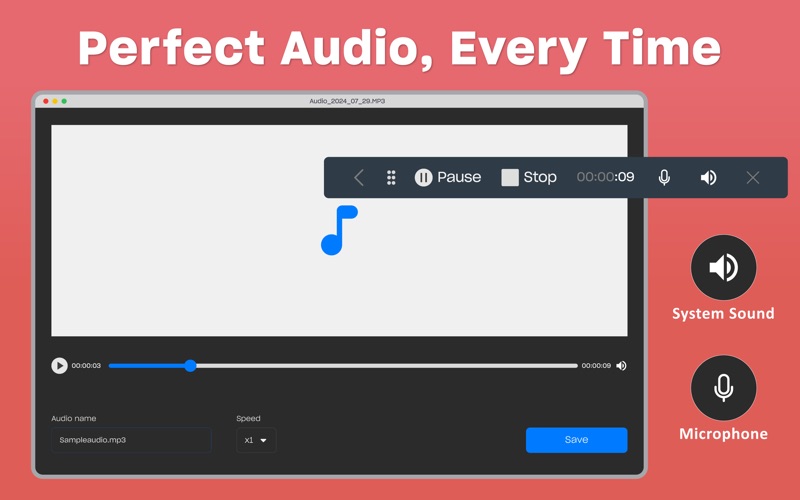
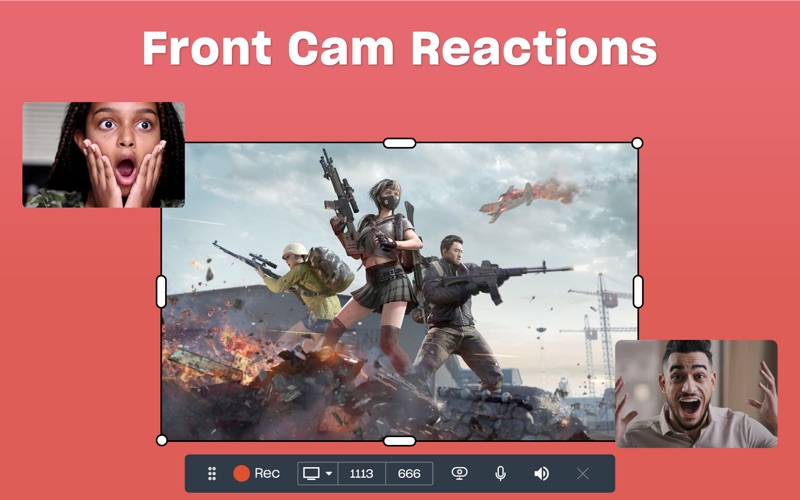
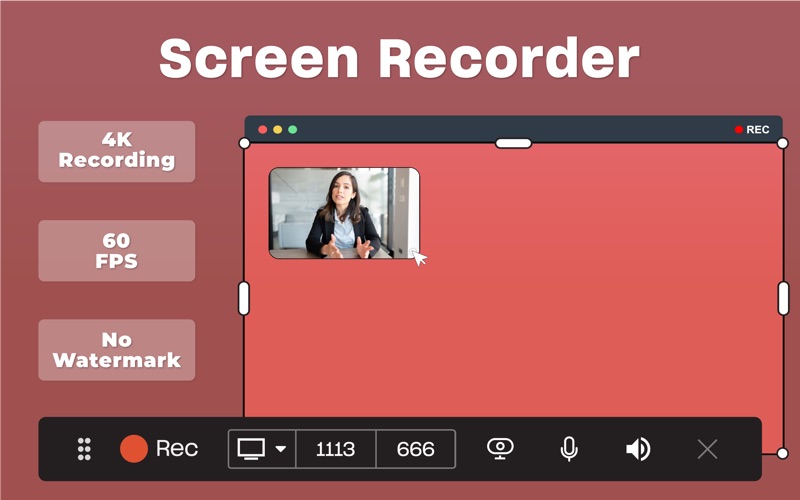
- Multi-Source Recording: You can capture your high-definition screen, internal system audio, microphone input, or your connected webcam simultaneously or as independent sources.
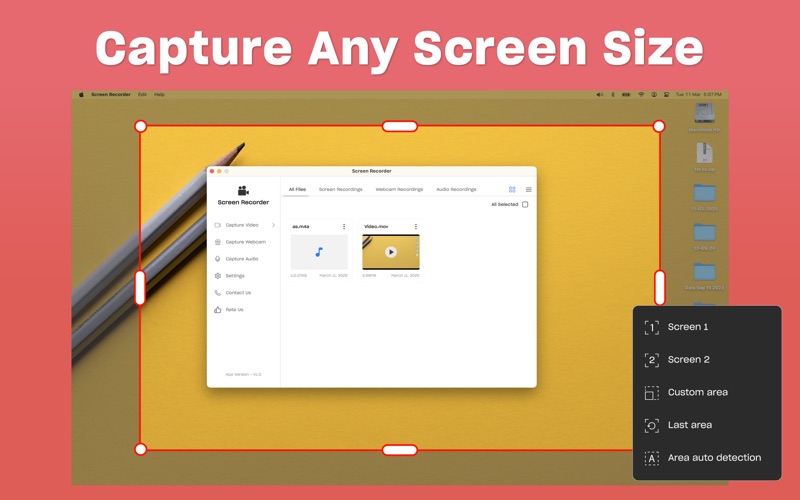
- Flexible Capture Areas: Define exactly what your audience sees by recording the entire display, a specific application window, or a custom-selected desktop region.
- Interactive Tracking: Highlight your workflow during tutorials by enabling visual tracking for mouse clicks and keyboard presses.
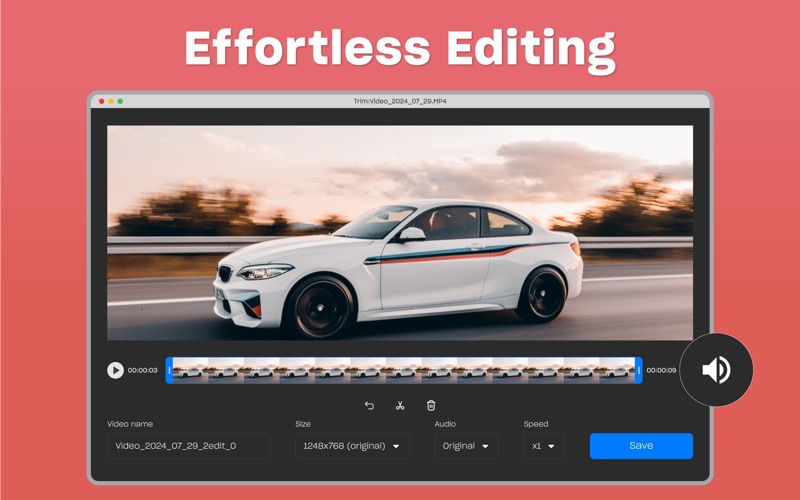
- In-App Trimming: Clean up the beginning and end of your captured files immediately after recording without needing to launch a heavy external video editor.
- Offline Operation: Run the utility entirely offline, ensuring your privacy and data security during sensitive recording sessions.
Who Is This Mac Utility For?
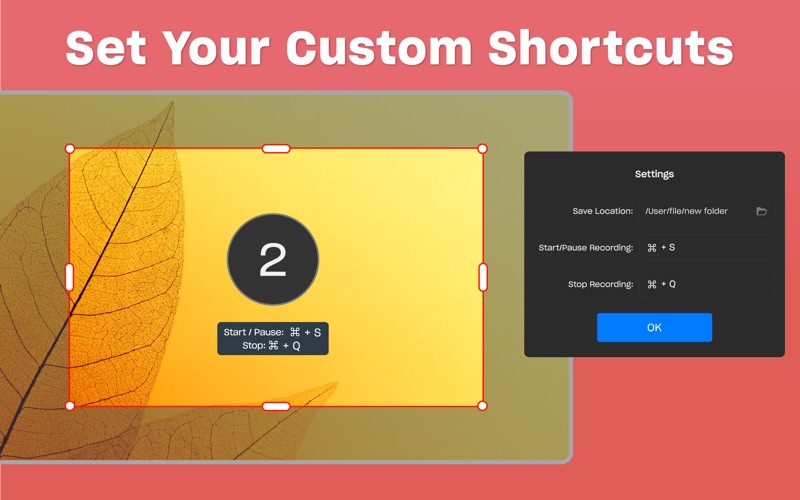
This software is tailored for professionals, educators, and content creators who value speed and simplicity. It is an excellent fit for remote workers who need to send quick video updates to colleagues, teachers compiling step-by-step digital lessons, or software testers documenting technical bugs. Because it supports custom keyboard shortcuts, you can start, pause, and stop recordings instantly without interrupting your presentation flow.
Subscription Options and Accessibility
The application is free to download and explore, featuring flexible premium subscription tiers (weekly, monthly, yearly, or a lifetime purchase option) to unlock advanced capabilities. For users wishing to test the full feature set, the monthly plan offers an optional 3-day free trial. If you decide to evaluate the premium features, make sure to manage your subscription preferences within your iTunes Account Settings to control auto-renewal options.
Final Editorial Verdict
If you are looking for a lightweight, reliable desktop capture companion on macOS, Screen Recorder: Record Audio provides a solid balance of essential features and user-friendly design. It eliminates the steep learning curve often associated with professional broadcasting suites while retaining vital tools like mouse tracking and audio mixing. To explore its features firsthand, head over to the official Mac App Store to review and install the utility on your device.
Rate the App
User Reviews











Popular Apps










Editor's Choice