

Latest Version
Borka Tibor
Internet
Windows
1.99
9nblggh1nj0s
Report a Problem
More About WiFi Analyzer Tool
Optimizing Your Wireless Environment
Imagine sitting down for an important video conference or booting up an online game, only to find your connection constantly stuttering. In crowded residential buildings or busy office environments, wireless congestion is often the silent culprit. The WiFi Analyzer Tool network optimizer is designed specifically for Windows users to diagnose these invisible signal bottlenecks and restore wireless efficiency.
Developed by Borka Tibor, this lightweight utility scans your immediate environment to provide a visual breakdown of surrounding wireless signals, helping you make informed decisions about your network layout.
Key Features for Network Optimization
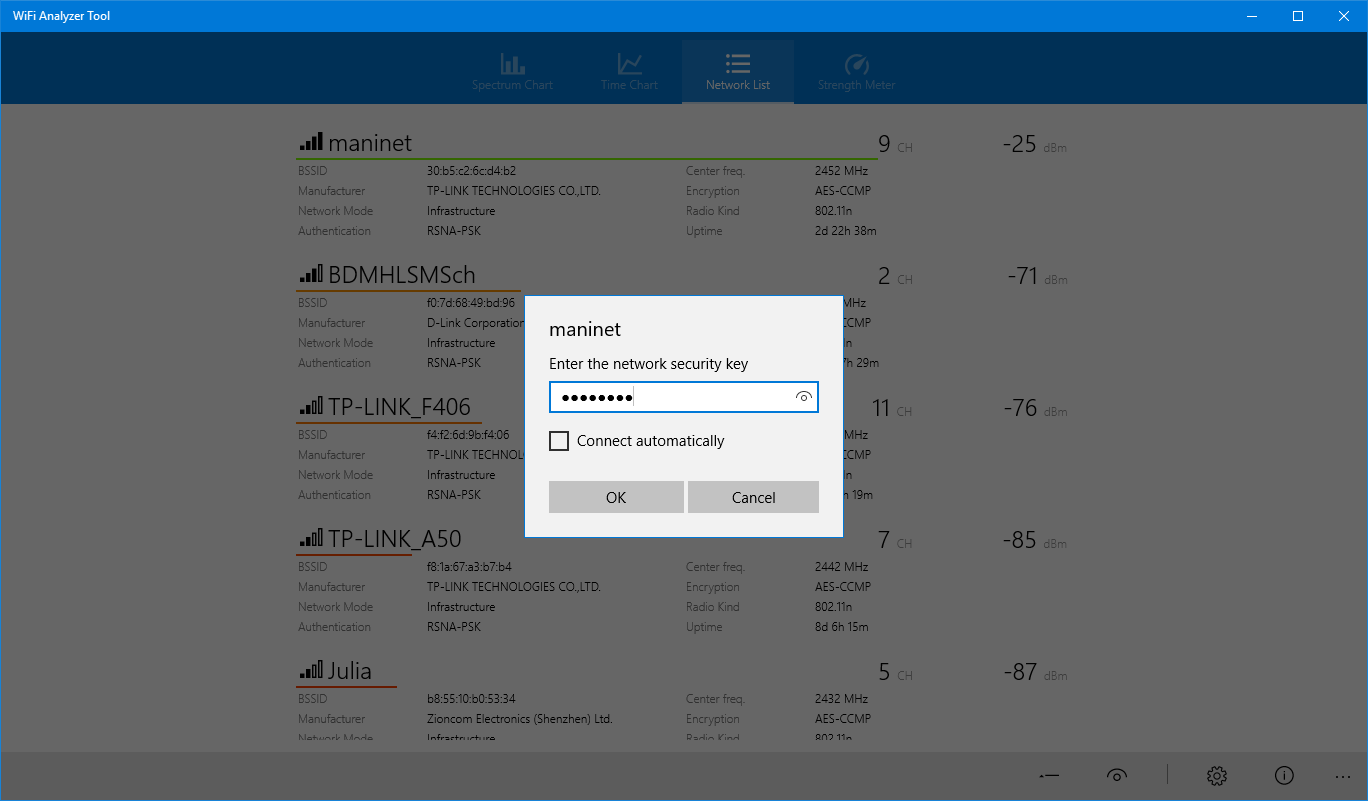
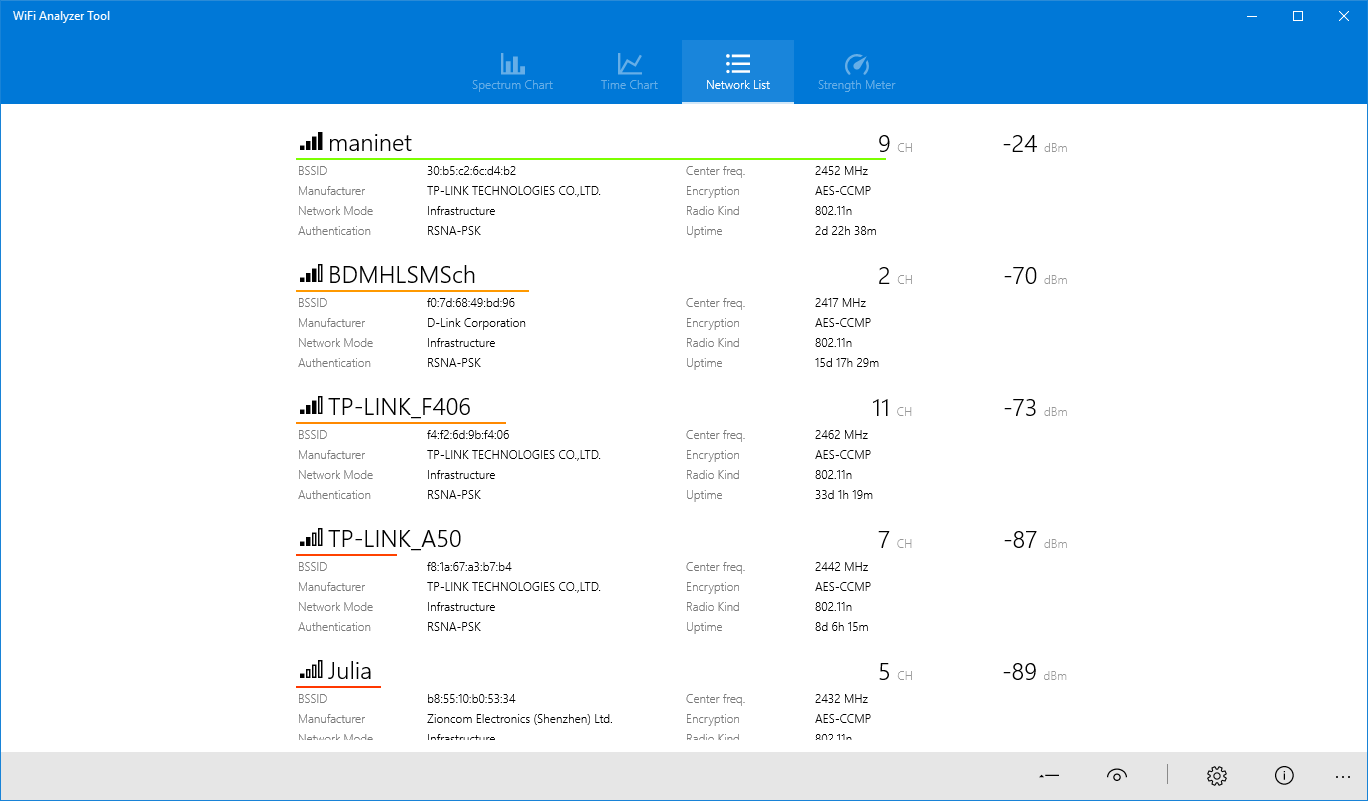
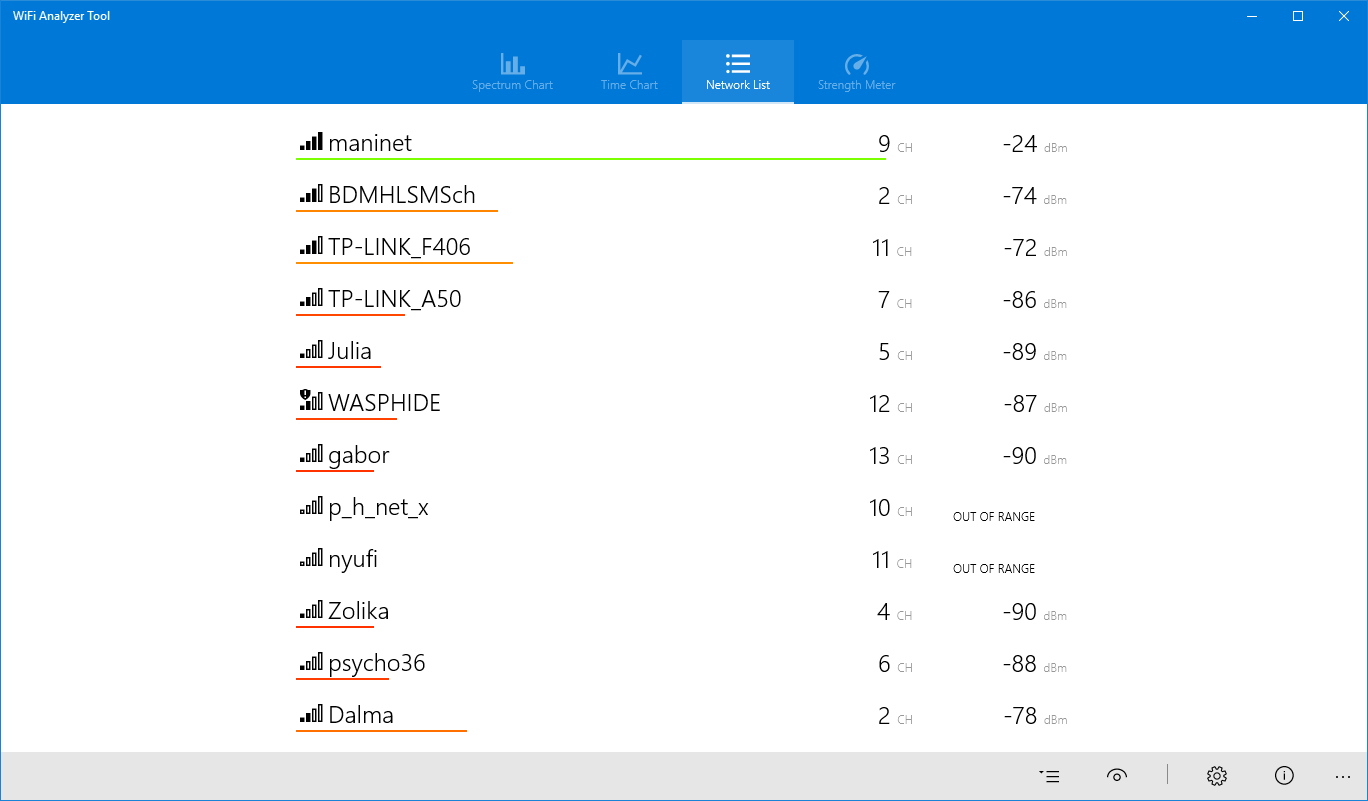
- Detailed Network Diagnostics: Instantly view critical metrics such as SSID, security protocols, and real-time signal strength for all nearby networks.
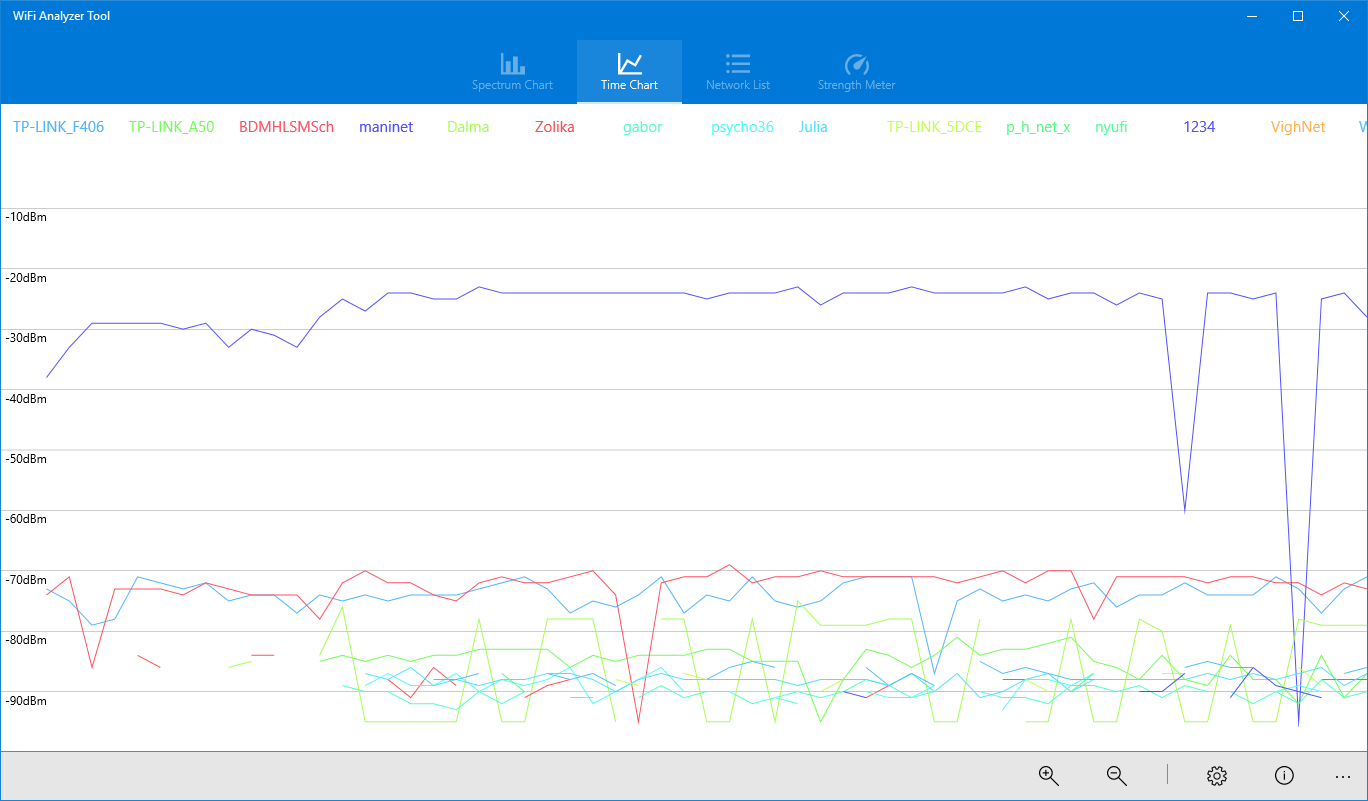
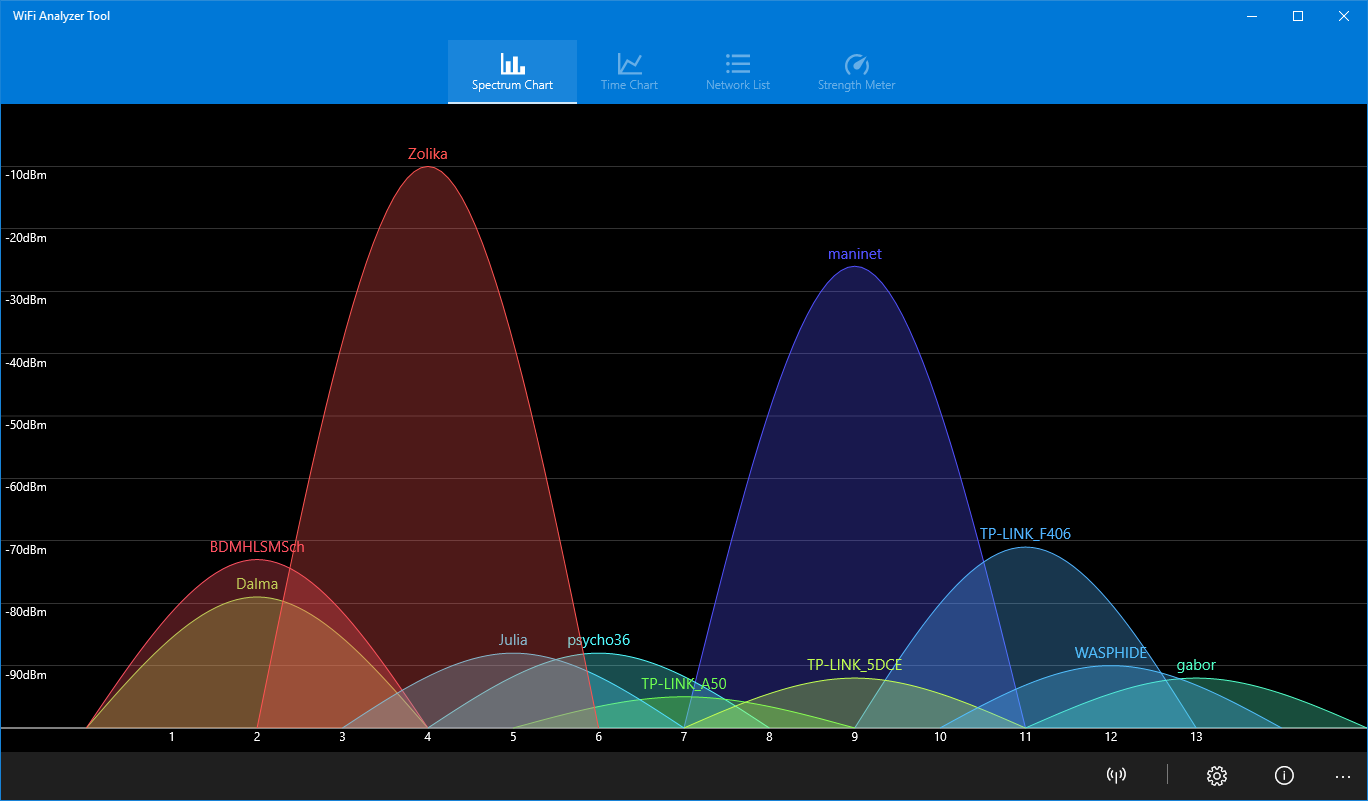
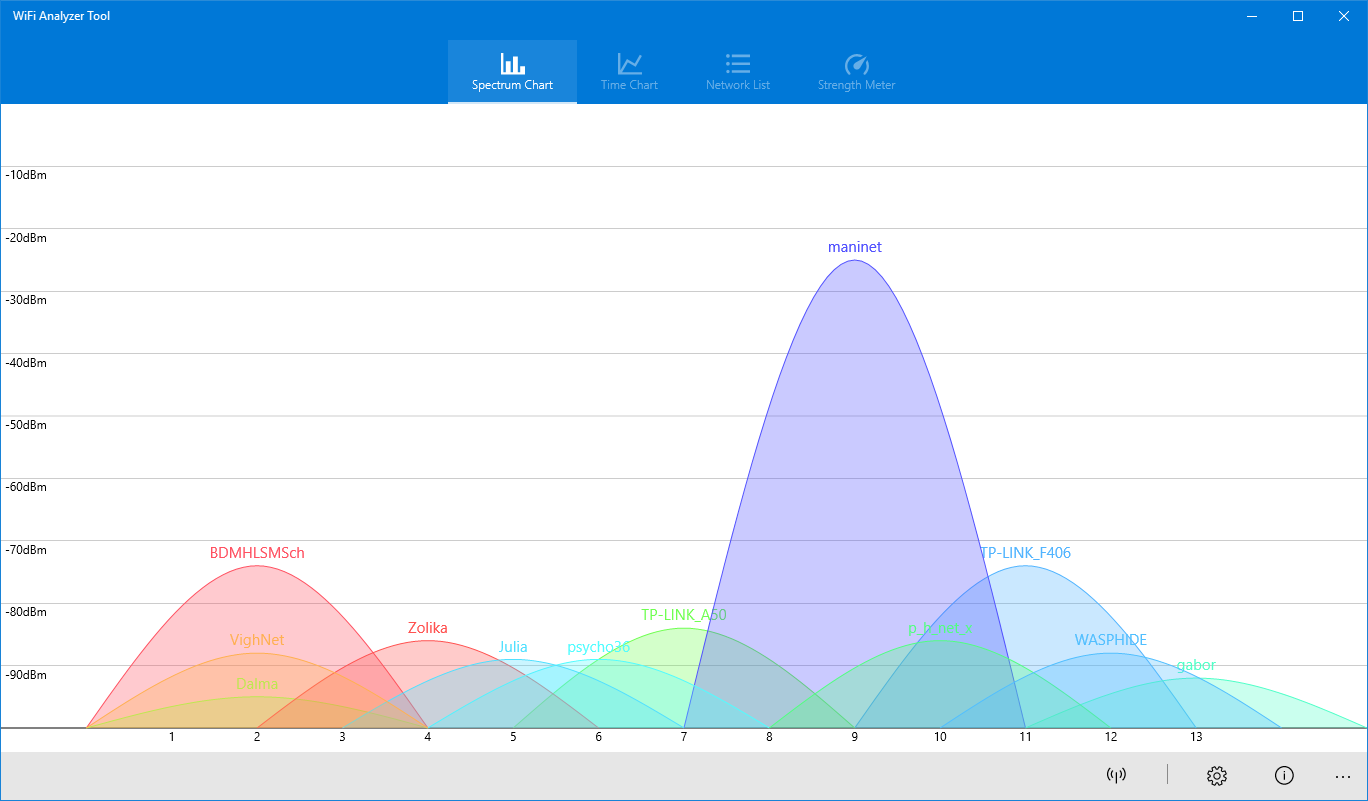
- Visual Spectrum Charts: The built-in spectrum chart allows you to quickly identify overlapping channels that cause signal degradation and slow speeds.
- Signal Strength Beeper: Locate physical dead zones or find the strongest signal areas in your home or office using the audio feedback tool.
- Advanced Data Logging: Save your spectrum charts as images for troubleshooting references or sharing with IT support.
- Network Management: View essential network parameters, including IP addresses and subnet masks, and transition easily between SSID and BSSID views.
Who Is This Tool For?
The WiFi Analyzer Tool network optimizer is ideal for remote workers experiencing frequent disconnections, home users trying to position their routers for maximum coverage, and tech enthusiasts looking to eliminate channel conflicts. By identifying which frequencies are overcrowded, you can configure your router to use clear channels, immediately boosting throughput and reducing latency.
Our Verdict
With its clean interface and practical feature set, the app simplifies the complex task of wireless troubleshooting. If you are ready to take control of your wireless environment, check out the official Windows Store to acquire the WiFi Analyzer Tool network optimizer and start optimizing your connection today.
Rate the App
User Reviews













Popular Apps










Editor's Choice